AI Product Photography: What It Can and Cannot Do Yet
AI product photography is very good at backgrounds, settings and quick variations, and still unreliable at keeping the product itself accurate. If you start from a real photo or a 3D model of the product and use AI for the scene around it, results can be excellent. If you ask AI to invent the product from a description, expect wrong logos, shifted colours and missing details.
What people mean by AI product photography
The term covers several different workflows, and they behave very differently:
- Background replacement. A real product photo is cut out and placed into a generated scene.
- Image editing from a reference. A real photo is uploaded and the model is asked to change the setting, lighting or props while keeping the product.
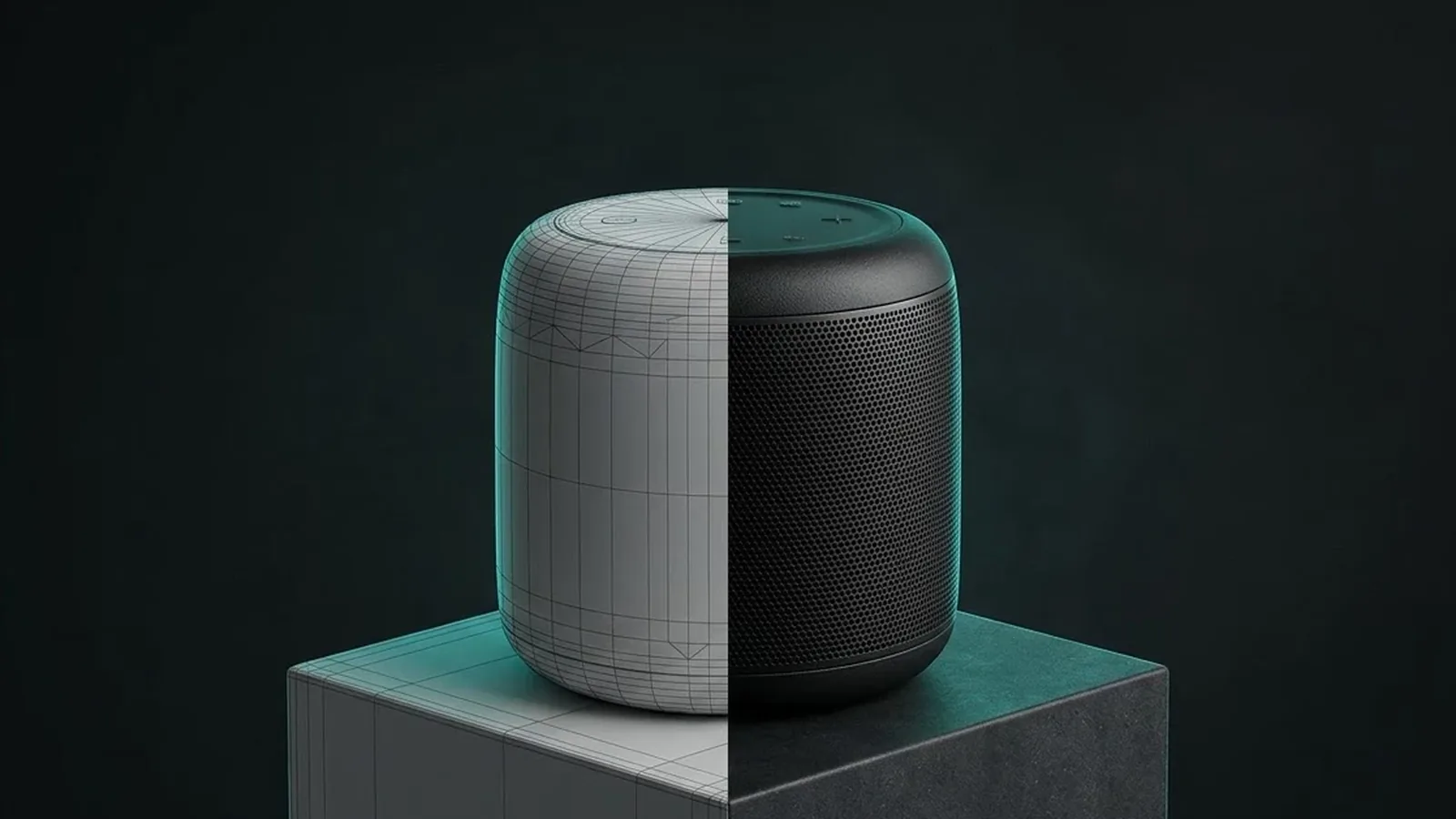
- Generation from a 3D render. A CGI render of the product is used as the starting point, and AI builds lifestyle scenes around it.
- Pure text-to-image. The product is described in words and the model invents it.
The further you move from a real reference, the less accurate the product becomes. That is the single most useful thing to understand before you plan any AI image work.
What AI product photography does well
Used on top of a good reference image, AI tools are already useful in day-to-day production.
- Backgrounds and settings. Kitchen counter, beach, marble plinth, autumn table: scene changes are fast and cheap.
- Seasonal and regional versions. One hero shot can become a winter, summer and festive version for different markets.
- Volume for testing. Producing many ad variations to test which setting or mood performs best.
- Concepts and mood boards. Exploring art direction before committing to a shoot or a CGI build.
- Clean-up. Removing dust, extending a background to fit a new aspect ratio, fixing small blemishes.
For these jobs, AI can save days of work. The common thread is that the product pixels are protected and only the surroundings change.
What it still gets wrong
The weak point is product fidelity, meaning whether the product in the final image actually matches the real one. In July 2026 Photoroom published a benchmark in which trained reviewers checked 3,400 generations of 850 real products. The leading image-editing models from Google, OpenAI and Black Forest Labs passed product accuracy checks in only about 25% to 29% of generations (Photoroom). Photoroom sells a tool to improve this, so read the numbers as a vendor's own test, but the pattern matches what most production teams see.
The most common failures reported were:
- Logos and text distorted or unreadable.
- Missing parts, such as buttons, straps or stitching.
- Patterns and prints changed.
- Colours shifting from the real product.
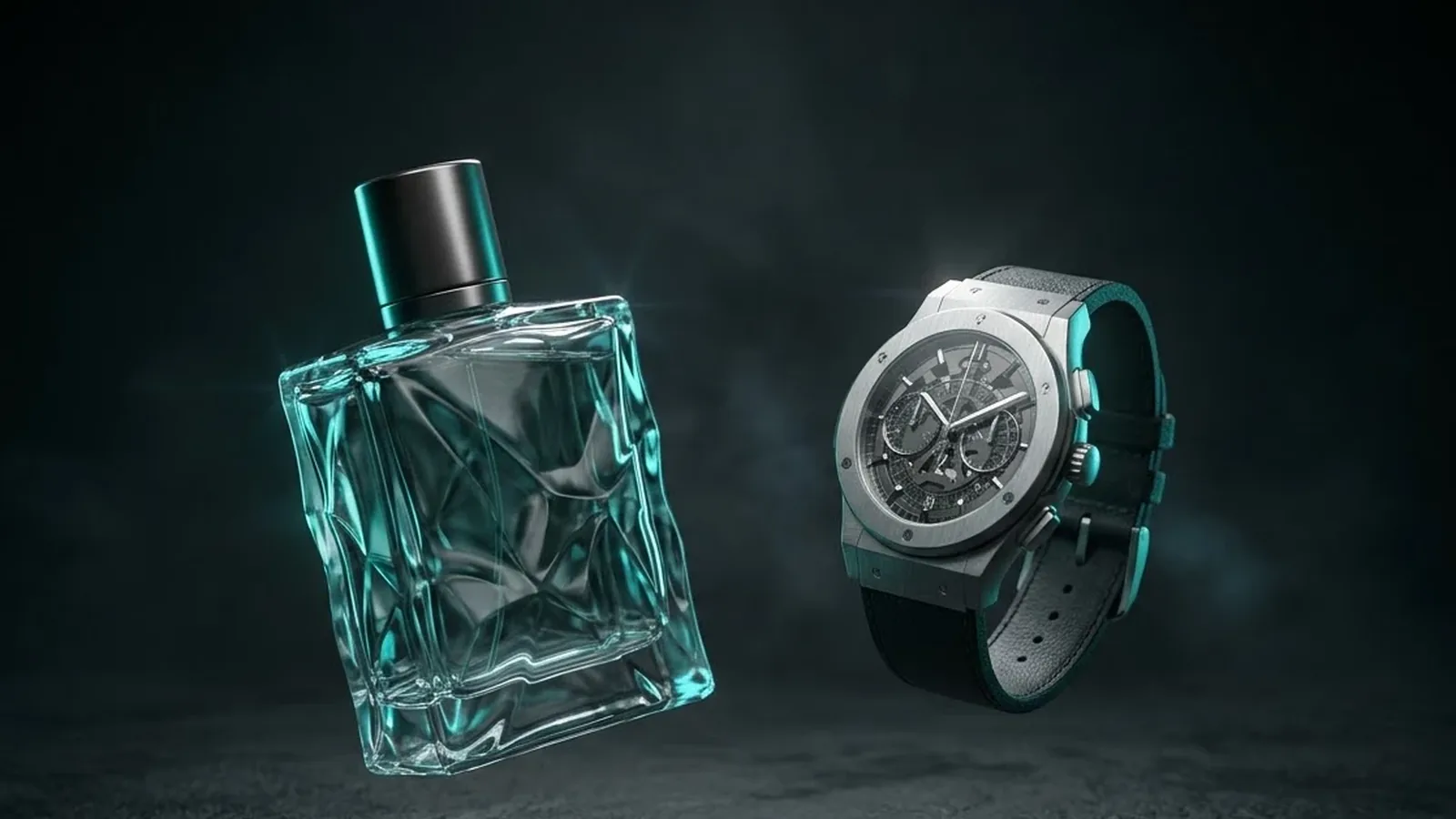
Some categories are harder than others. Reflective surfaces, transparent materials, fine textures, jewellery and watches all expose small errors quickly. A model can produce a beautiful image of a watch that is not quite your watch, and on a product page that is a problem.
Why accuracy matters more than looks
A product image is a promise. If the colour, size or detail in the image does not match what arrives, customers return it and leave reviews saying so. In the same research, Photoroom reported that around half of shoppers surveyed said they would switch to a marketplace with clearer, more accurate product images.
Marketplaces also have rules. Amazon's main image requirements, for example, call for the actual product on a pure white background, and seller guides widely advise against AI-generated scenes or composites in the main image. Rules on secondary images and on synthetic people are changing, so check the current Seller Central guidance before you publish.
A workflow that keeps the product accurate
The teams getting reliable results tend to follow the same pattern:
- Start from a true source. Either a properly lit photograph or a 3D render built from CAD files and checked against a sample.
- Protect the product. Mask or lock the product area so the AI only edits the surroundings.
- Generate scenes, not products. Ask for backgrounds, props and lighting moods.
- Composite and match. Bring the original product back in on top, matching shadows and reflections.
- Check every image. Compare logo, colour, proportions and details against the reference before anything goes live.
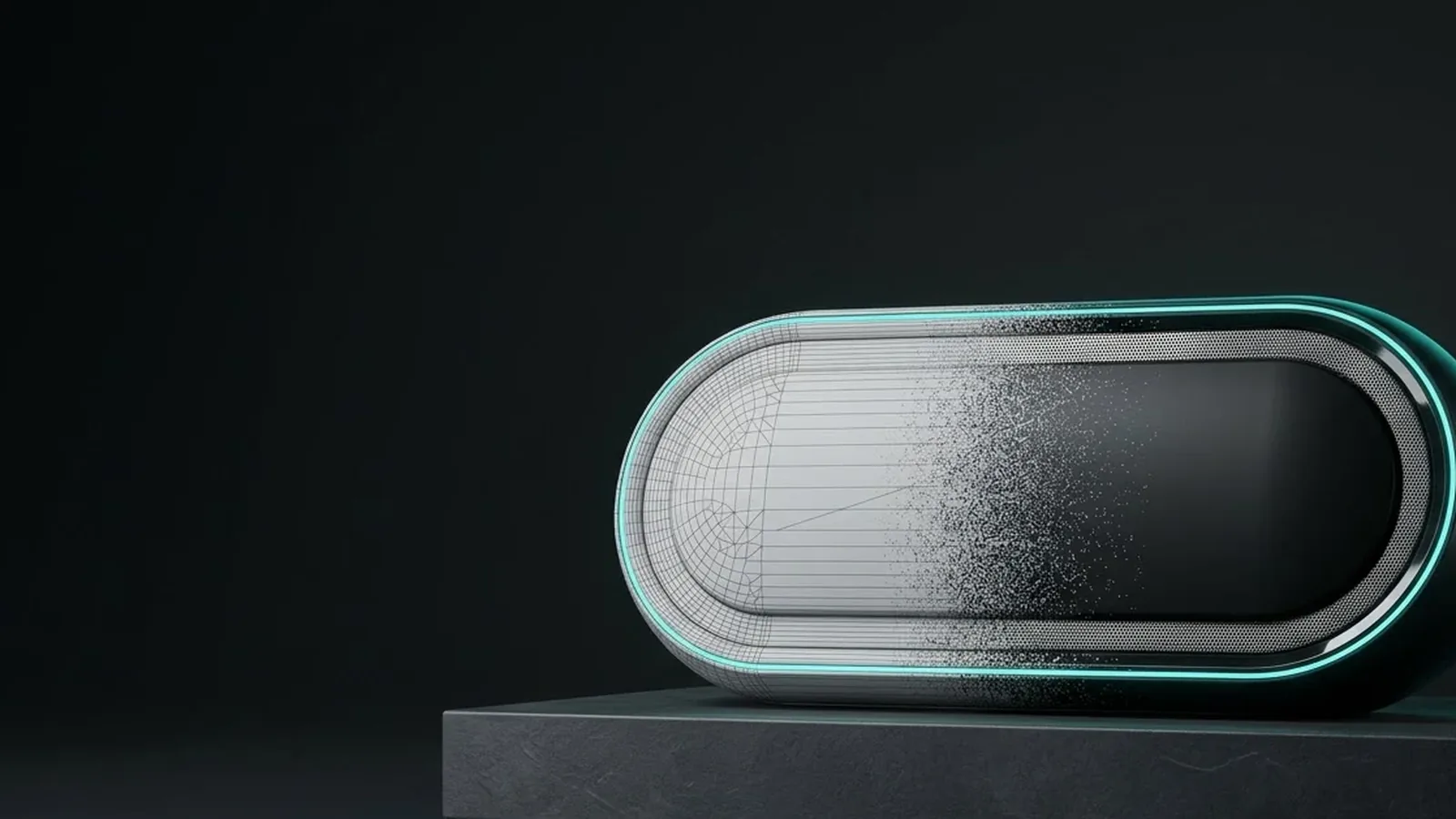
A 3D model is particularly useful here. Because it can be rendered from any angle with exact materials, it gives the AI a correct product for every shot instead of one fixed photo. This is how our AI studio work is set up: the 3D model guarantees the product, and AI handles speed and variety around it.
AI vs traditional shoots vs CGI
| Need | Best starting point |
|---|---|
| Accurate white-background packshots | Photography or CGI |
| Many lifestyle settings for ads | CGI or photo plus AI scenes |
| Product not made yet | CGI, then AI for scenes |
| Real people using the product | Photography |
| Fast concept exploration | AI alone |
| Technical details, cutaways, animation | CGI |
Cost works differently too. Pure AI generation looks almost free per image, but the real cost moves into checking and fixing. If three out of four outputs fail an accuracy check, someone has to find the failures, and that review time adds up across a catalogue of hundreds of products. A photograph or a 3D model costs more at the start but removes most of that checking, because the product pixels are already correct. For a handful of social posts, the AI-only route can be fine. For product pages, marketplace listings and paid ads that send people to buy, the extra up-front work usually pays for itself in fewer errors and fewer returns.
There is also the question of rights and disclosure. Brands should know which tools were used, whether the outputs can be used commercially, and whether any platform requires AI content to be labelled. Keeping a simple record of the source image and tool for every published visual makes those questions easy to answer later.
AI does not replace the step that makes the product correct. It makes the steps after it faster.
What to expect in the next year
Models are improving quickly, and tools that compare a generated image against the original product are starting to appear. Photoroom itself reported that its correction layer raised the best pass rate to about 38%, and said plainly that product fidelity is not solved. Expect accuracy to keep rising, and expect brands to keep needing a human check and a trusted source image for anything customers will buy from.
Questions worth asking any vendor offering AI product images:
- What do you start from: a photo, a 3D model or text?
- How do you stop the product changing between images?
- Who checks logos, colours and details, and against what?
- How do you handle marketplace image rules and AI disclosure?
Conclusion
AI product photography is ready for scenes, variations, testing and clean-up, and it can cut production time sharply when it works on top of a reliable source. It is not yet reliable at inventing the product itself, with leading models still failing accuracy checks in most generations in recent testing. The practical approach is to anchor every image to a real photograph or an accurate 3D model, let AI build the world around the product, and check everything before it goes live.
If you want AI speed without losing product accuracy, see how our AI studio works or tell us about the project.